Starlink Mini Review: Satellite Internet That Actually Works in the Middle of Nowhere
After testing every option, I bought Starlink Mini for $199. Here's exactly what I got — real speed test results, honest costs, and whether it's worth it for camping.
There’s a version of camping where you completely disconnect. No emails, no Slack, no Zoom. Just you, the mountains, and silence.
That’s not me.
I work remotely. And Pearl — my little teardrop trailer — goes with me on weekend trips, extended stays, and everything in between. The problem? Cell signal in the places I want to camp is basically nonexistent. I’d been running hotspots on my phone, burning through data, and watching my phone battery tank in an hour. Something had to change.
So I bought a Starlink Mini.
Here’s my full, honest review — what I paid, what I got, and whether I’d buy it again.
Why I Chose Starlink Mini
I looked at every option seriously before pulling the trigger.
T-Mobile Home Internet — solid if you’re parked in a suburban campground with decent signal. Useless in the mountains, deserts, or anywhere I actually want to be.
Cellular boosters — great for amplifying a weak signal. No signal to amplify? You’re stuck.
Verizon / AT&T hotspots — $80–100/month for throttled speeds that die the moment you’re 15 miles from a highway. And “unlimited” almost never means what you think it means.
Starlink Standard Roam — the full-size dish is nearly the size of a pizza box. For a compact teardrop with limited cargo space, it’s too much to justify.
Starlink Mini was the answer. Compact enough to fit in a backpack, powerful enough to run a Zoom call, and satellite-based so no cell tower dependency whatsoever.
What I Actually Paid
Let’s talk money because I know that’s what you’re here for.
| Item | Cost |
|---|---|
| Starlink Mini hardware | $199 |
| Monthly plan (Roam 100GB) | $50/month |
No contracts. The hardware is yours to keep. If you’re not camping for a stretch, Starlink offers a Standby Mode at $5/month — you keep the account alive at drastically reduced speeds (500 Kbps) instead of paying the full $50 or cancelling outright.
The Roam 100GB plan gives you 100GB of priority data each month. After that, it continues at lower speeds — still usable for browsing and messaging, but not great for video calls. Starlink says 100GB covers roughly 7 days of regular use, which checks out with how I actually use it.
Since I’m not living out of Pearl full-time — weekends, extended trips, the occasional week out — the cap has never been a problem. I watch my usage in the Starlink app and I’ve never come close to hitting the limit on a camping month.
If you’re on the road full-time and working every day, Starlink also offers a Roam Unlimited plan at $165/month. For my style of camping, the 100GB is plenty.
Use my referral link and get your first month of service free: Order Starlink Mini →
Unboxing — First Impressions
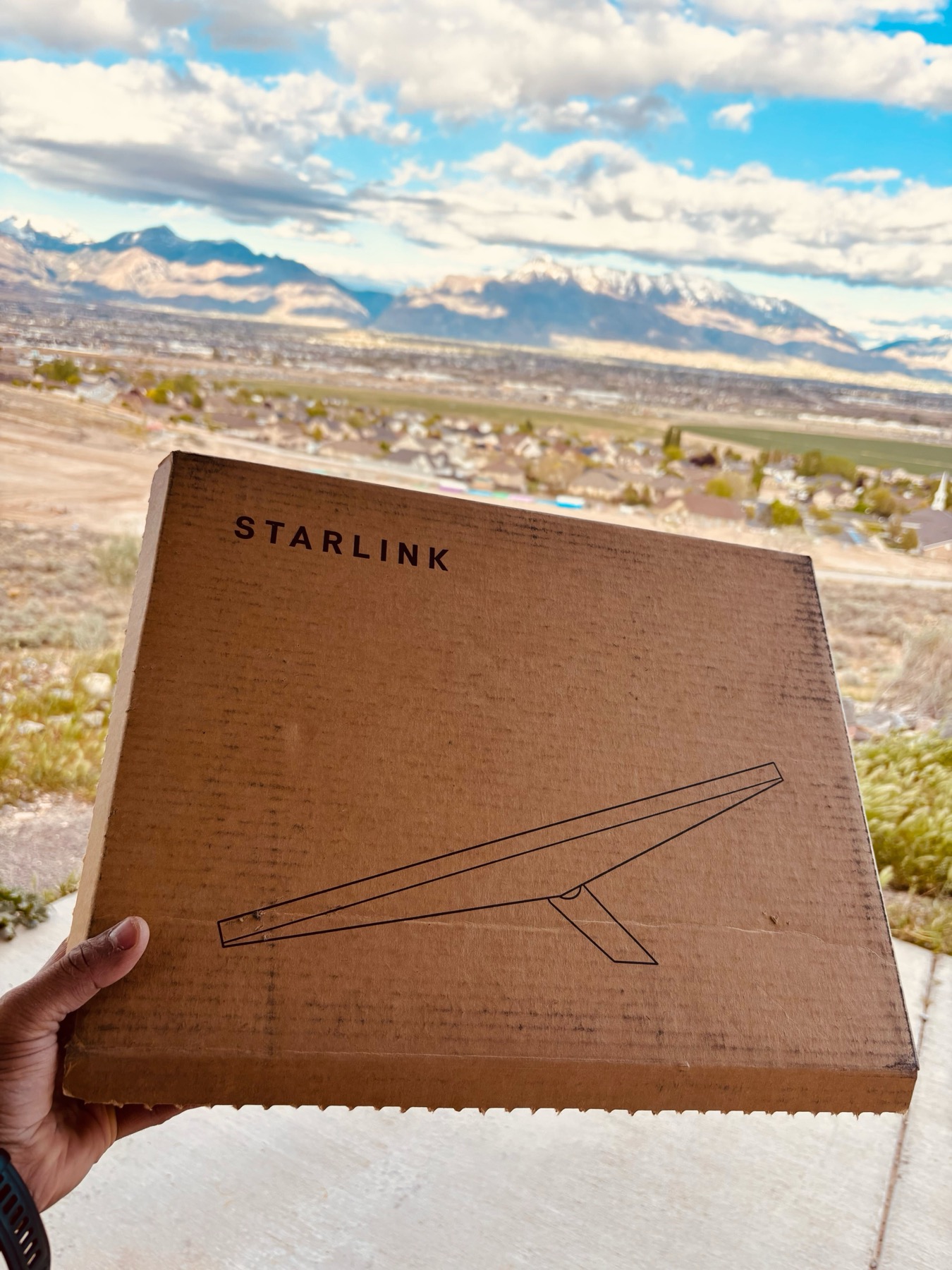
Exactly what you’d expect from a hardware company that builds rockets: no-frills, function-first packaging. Minimalist brown box, clean Starlink logo, a simple line drawing of the dish on the front. Inside: the dish, the kickstand, a power cable, and basically zero instructions — because you don’t need them.
Setup took me under five minutes.
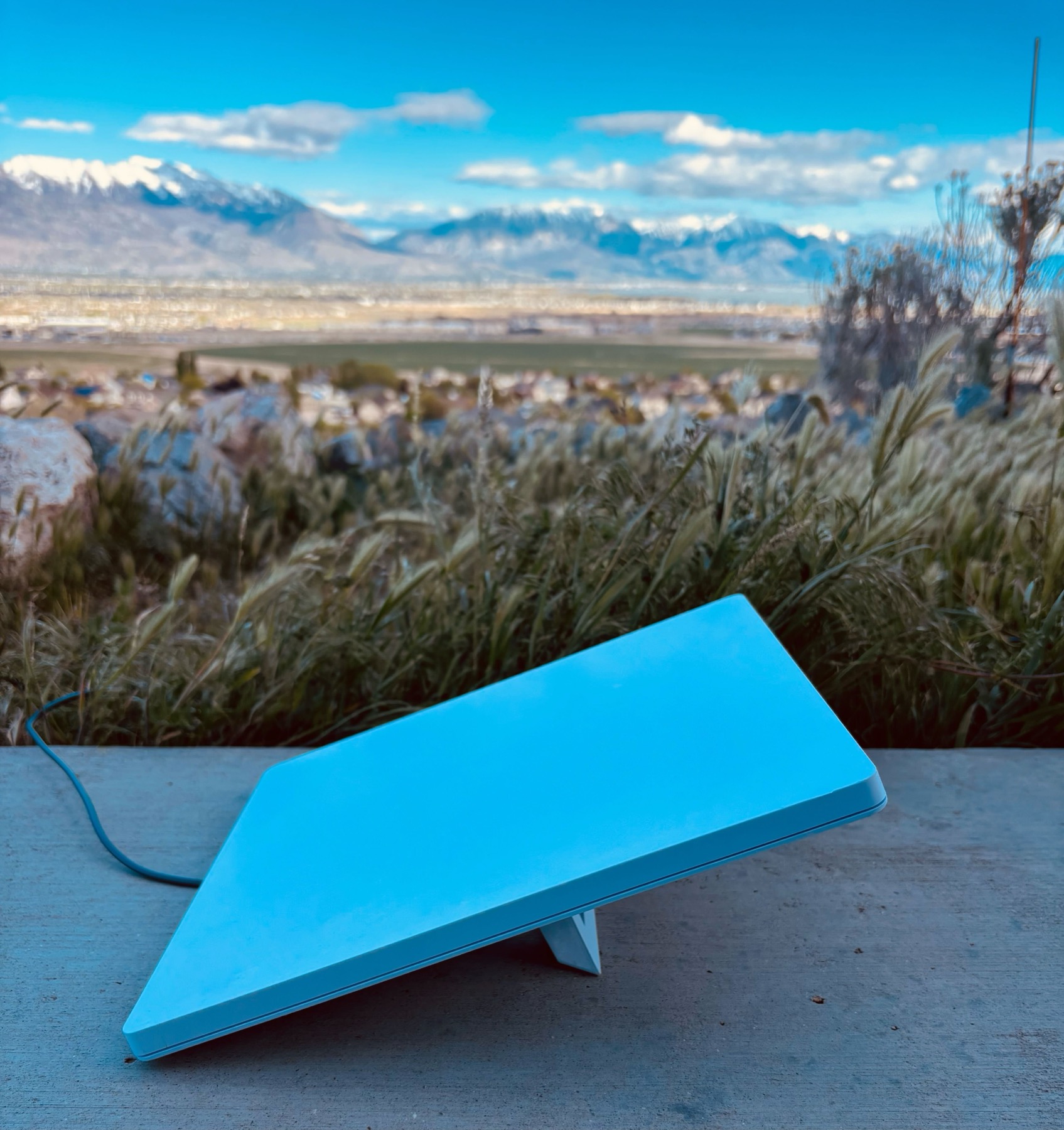
The dish is surprisingly compact — roughly the size of a large laptop. The sky-blue color makes it easy to spot if you set it on a rock and walk away (ask me how I know). The built-in kickstand lets it tilt to find the optimal satellite angle, and it self-adjusts once powered on.
Point it at an open view of the sky, plug in power, and the Starlink app walks you through the rest. Within minutes, it’s locked onto satellites 340 miles above Earth and pulling real internet.
Pro tip: before you set up camp, use the obstruction tool in the Starlink app — it uses your phone camera to map out your satellite view and flag any trees or walls that’ll hurt your connection. Takes 30 seconds and saves a lot of frustration.
Real-World Performance — The Numbers
This isn’t a controlled lab test. This is what I actually saw at my campsite.
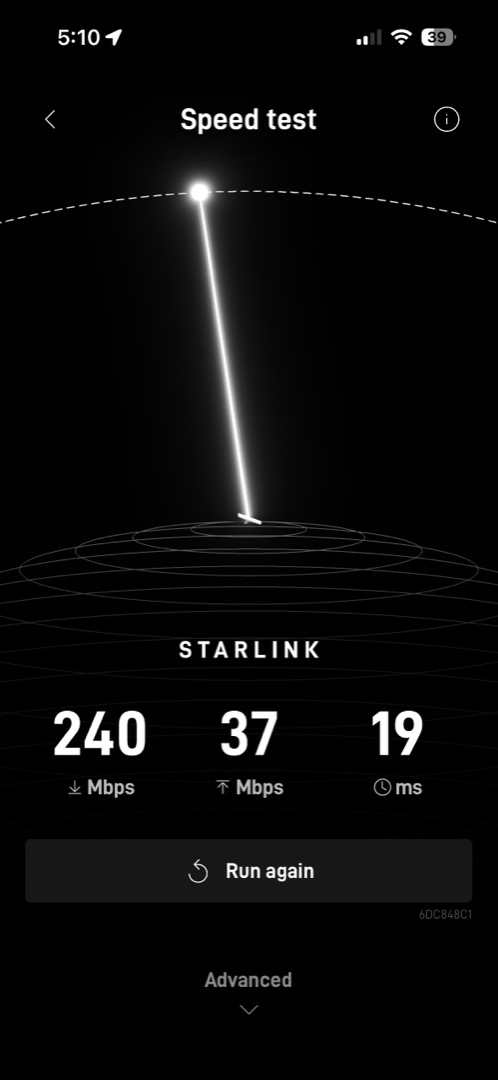
240 Mbps download. 37 Mbps upload. 19ms latency.
I’m at a campsite with mountains in every direction, no cell tower within range, and I’m pulling speeds that beat most apartment internet connections I’ve had. That’s not a typo.
For context on what this means in practice:
- Video calls — buttery smooth. No lag, no artifacts, no dropped frames.
- Large file transfers — fast enough that I stopped thinking about it.
- GitHub / CI pipelines — running code deploys from a campsite felt surreal the first time.
- Streaming — 4K Netflix without a single buffer. (Did I work some evenings? Yes. Did I also watch things? Also yes.)
Speeds vary by location, time of day, and satellite congestion — your results may differ. But in my experience across multiple sites, I’ve never had a session that felt slow.
The latency number is worth highlighting. Traditional geostationary satellites sit at 35,000 km altitude and hit 500–600ms latency — enough to make video calls feel broken. Starlink’s low-earth-orbit constellation sits at ~550 km, which is why 19ms is achievable. It’s not identical to fiber, but it’s close enough that you stop noticing.
The Yedralune Carrying Case
Most Starlink reviews stop at the dish. What they skip: the dish is tough, but the kickstand and cable connection points are not. Tossing it loose in your gear is a bad idea after a few trips.
I picked up the Yedralune Starlink Mini Travel Case and it’s become a permanent part of my kit.
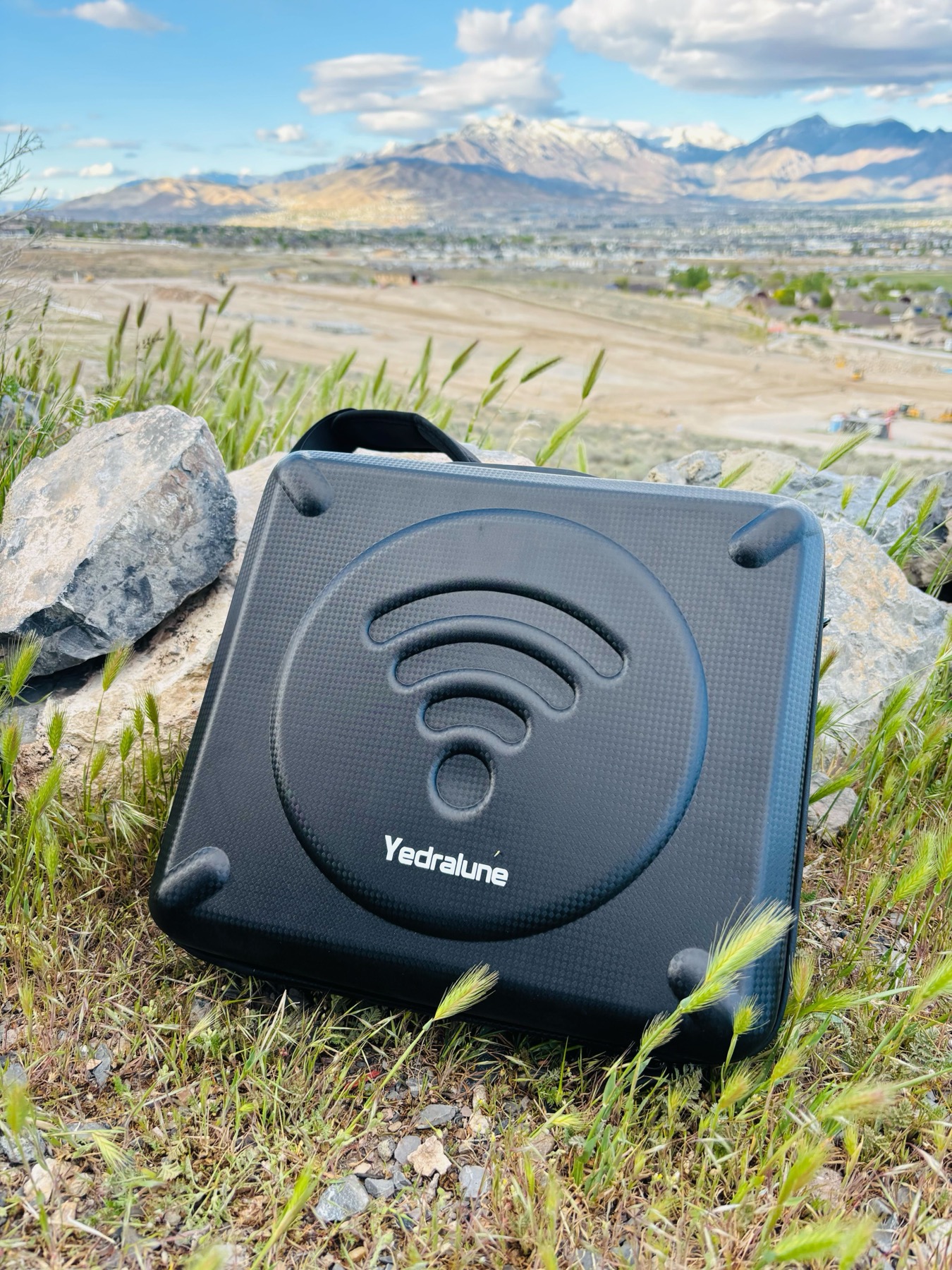
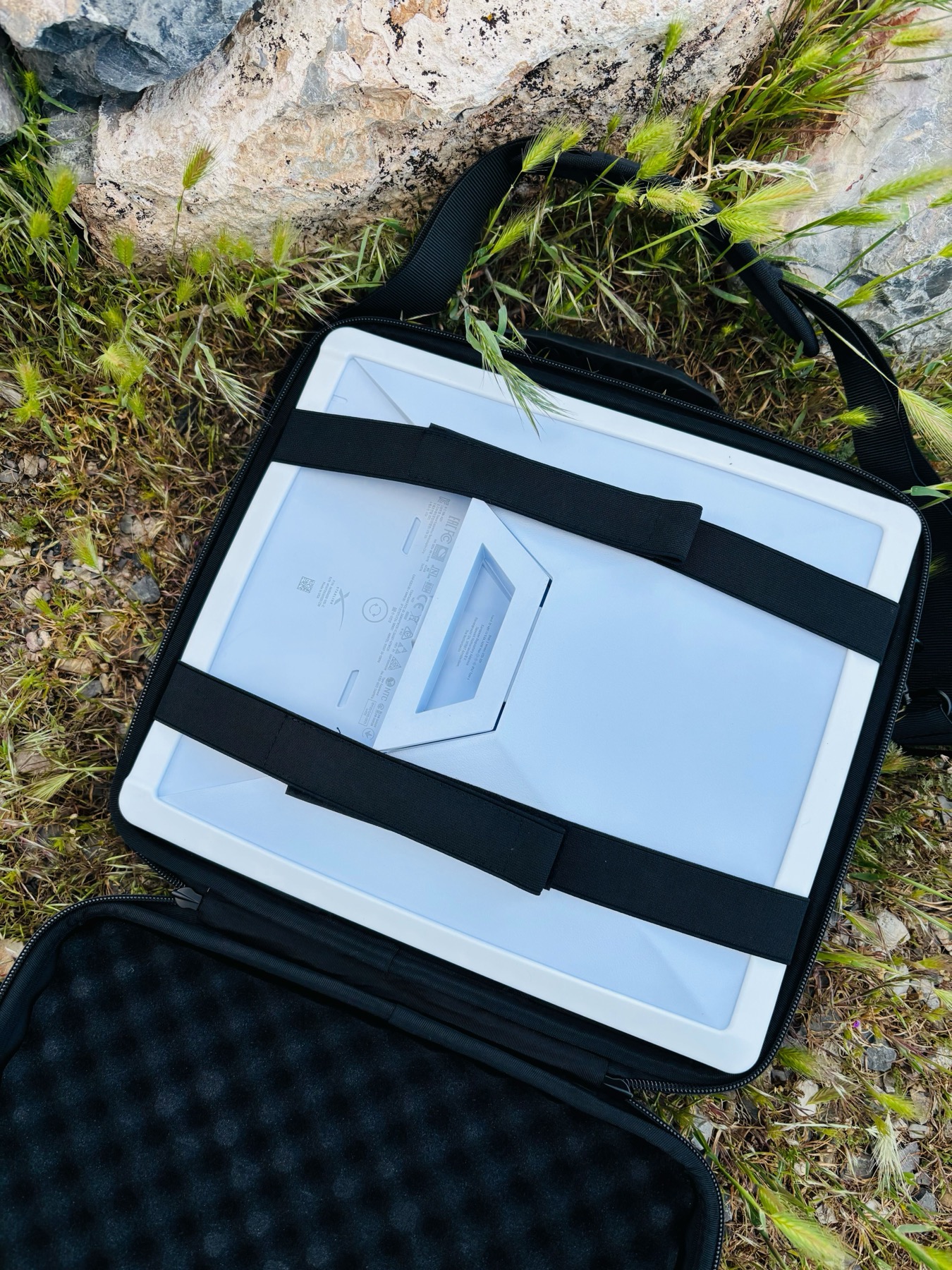
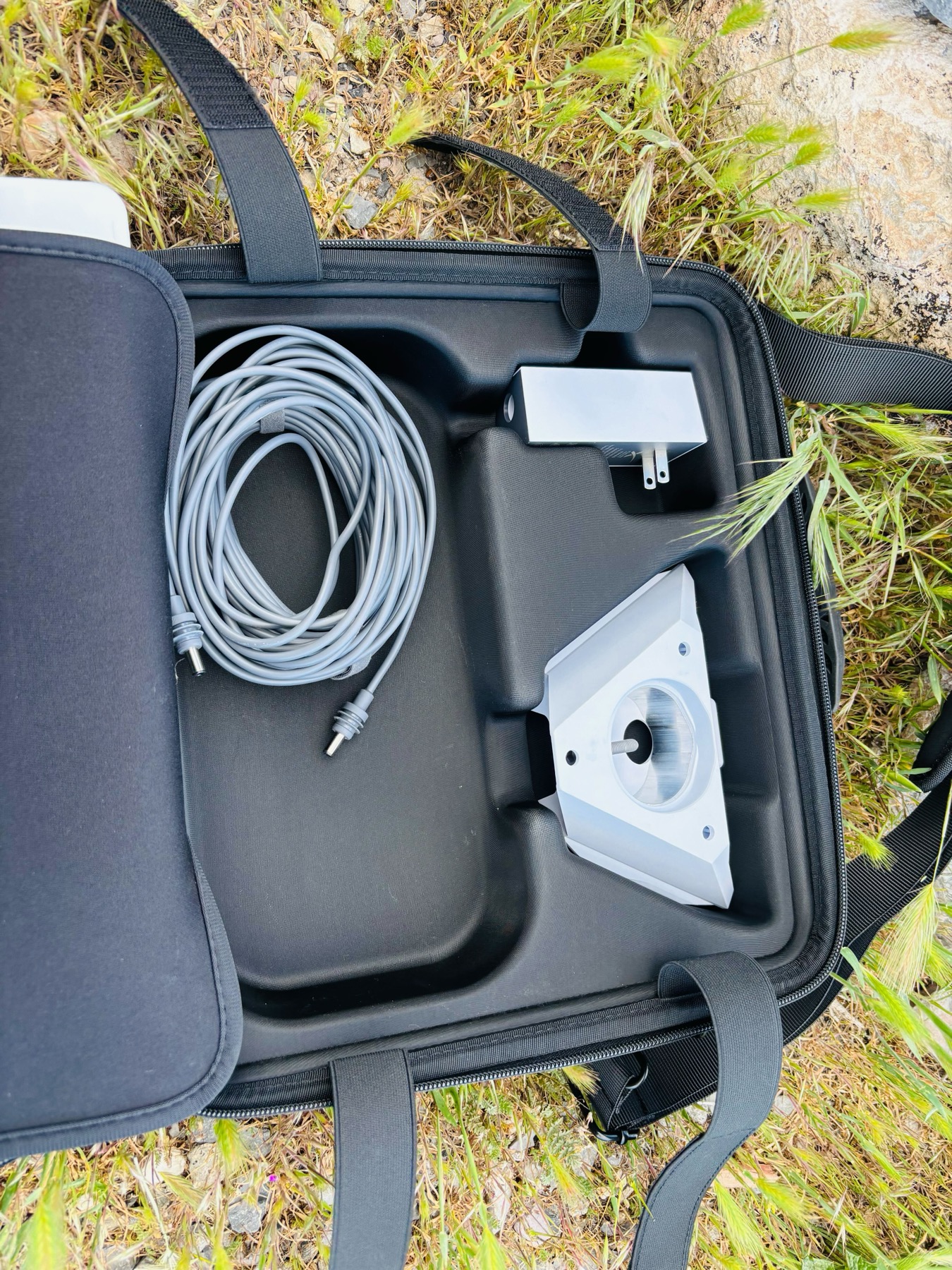
The kit includes:
- Hard-shell EVA case — shockproof, weather-resistant exterior
- Silicone cover for the dish face (protects against scratches in transit)
- Reflective stickers — practical for low-light setups at dusk
- Foam interior on both sides with elastic straps to hold the dish flat
- Dedicated accessory compartment — cable, power adapter, and kickstand all have a home
It slides into Pearl’s gear area without taking up meaningful space. If you’re moving the dish between locations regularly — which is the whole point of the Roam plan — get the case.
Power Requirements
The Mini draws 25–40W during operation.
I run it off my 2kW power station right now, and it’ll feed directly from the 200Ah LiFePO4 battery bank once I finish Pearl’s electrical build. At 25–40W, the Mini barely registers as a load — I’ve never once had a power issue in the field.
If you have any kind of battery station or basic solar setup, you’re covered.
Honest Downsides
The 100GB cap is real. Stream a lot, do heavy video uploads, or forget to kill background sync and you’ll chew through data faster than expected. The Starlink app shows your usage in real time — I check it the same way I check fuel on a long drive.
It needs clear sky. Deep canyons, dense forest canopy, or anything blocking the northern sky (in North America) will hurt your signal. The obstruction tool I mentioned earlier is your best friend here. Some campsites just won’t work well — scout before you commit.
It’s stationary use only. The Mini on the Roam plan is designed for use when you’re parked, not while driving. If you need in-motion satellite internet, that’s a different (much more expensive) product category.
$50/month adds up. Worth knowing: Starlink no longer offers free pausing. Instead there’s a Standby Mode at $5/month — keeps your account alive at 500 Kbps when you’re not actively camping. It’s not free, but $5 is a lot better than $50 for a month you’re not using it. I run full service when I’m out, drop to Standby when I’m home.
Should You Buy It?
- You work remotely and camp — yes, without hesitation
- You do extended trips in areas with no cell coverage — yes
- You run a camper, van, or RV and want reliable connectivity — yes
- You weekend camp near cities with decent cell signal — maybe pause and think first
The Starlink Mini changed how I use Pearl. I’m no longer choosing between camping and staying connected for work. I do both, from the same spot, at the same time. That genuinely was not possible a few years ago.
Quick Specs
| Spec | Detail |
|---|---|
| Device cost | $199 |
| Plan (Roam 100GB) | $50/month |
| Download speed (tested) | 240 Mbps |
| Upload speed (tested) | 37 Mbps |
| Latency (tested) | 19ms |
| Power draw | ~25–40W |
| Weight | ~1.1 kg (2.4 lbs) |
| Dish size | 29.8 × 25.8 cm |
| Network type | Low Earth Orbit Satellite |
| Contract | None — Standby Mode $5/mo when inactive |
Where to Get It
Starlink handles internet at camp. For safety on the trail when the dish stays behind, I pair it with the Garmin inReach Messenger →
Disclosure: This post contains referral links. I only recommend gear I personally use and pay for. Purchasing through a link costs you nothing extra and helps support Pearl.